

Business process automation is not about replacing a good team with software. It is about removing repetitive steps that slow people down, create mistakes and leave customers waiting.
For an established small business, the best automations are usually refreshingly practical: acknowledge a new enquiry immediately, remind somebody to follow up, create a task when a quote is accepted or ask a customer for a review once the work is complete.
This guide explains what business process automation means, which tasks are worth automating and how to start without turning your operation upside down.
What is business process automation?
Business process automation uses connected software to complete routine actions when a defined event occurs. A website form might create a contact in your CRM, notify the right person, send a useful acknowledgement and schedule a follow-up task. The customer receives a quick response and your team avoids copying the same information between systems.
The important word is process. Automating a single email can help, but mapping the complete journey from enquiry to sale, delivery and aftercare produces a much bigger improvement.
Respond faster
Give every genuine enquiry an immediate, relevant response, even when your team is busy.
Reduce mistakes
Move information between your website, CRM and other tools without repetitive retyping.
Protect your time
Let your team concentrate on conversations and decisions that genuinely need a person.
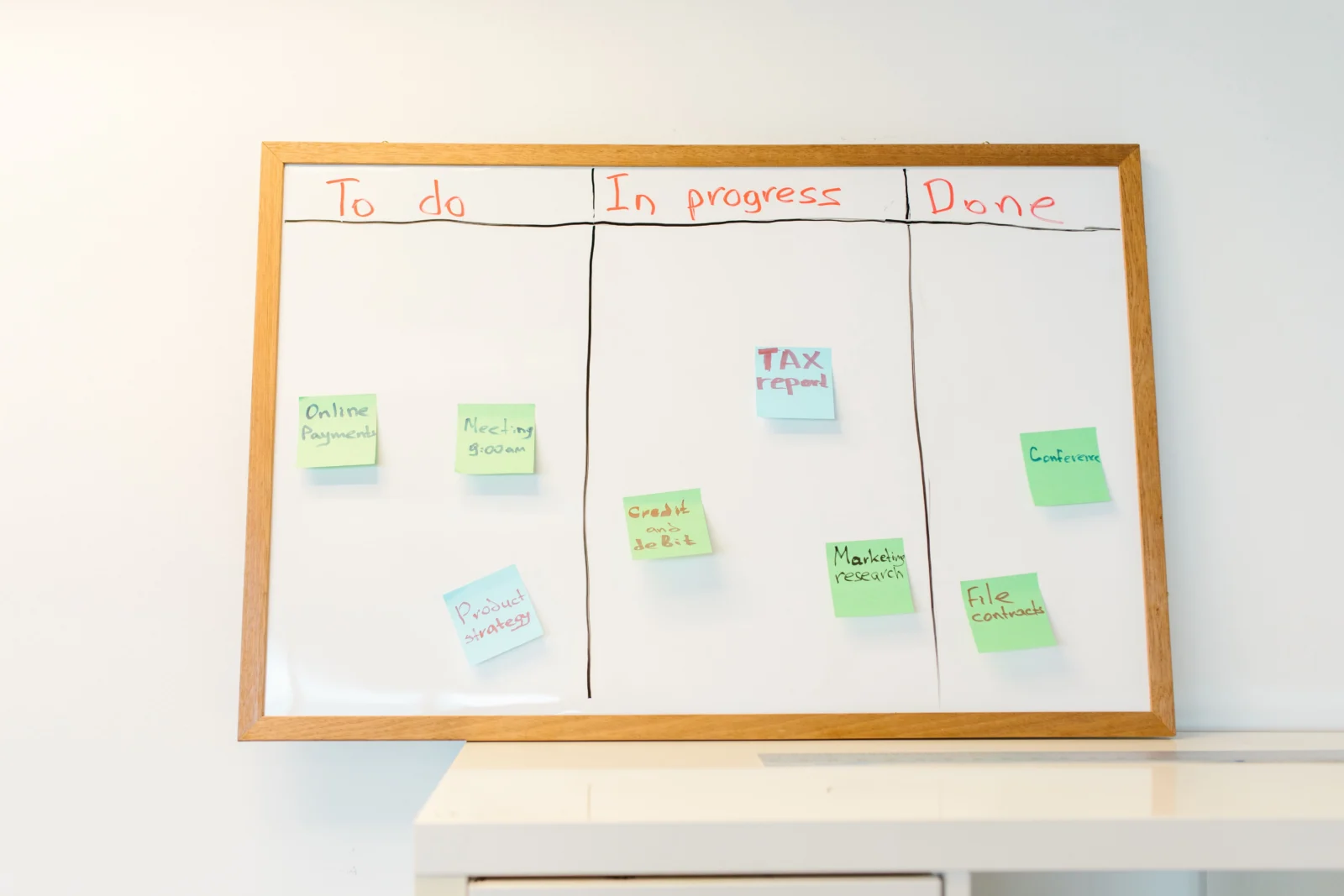
12 small business tasks you can automate
1. New enquiry acknowledgement
Send an immediate email or text confirming that an enquiry has arrived. Include useful information about what happens next rather than a generic “we will be in touch”.
2. Lead capture in your CRM
Create or update the contact automatically when somebody completes a website form, books a call or starts a qualified chat. This gives your team one reliable customer record.
3. Lead allocation
Route enquiries according to service, location or value. The correct team member can receive the task and relevant information without somebody manually forwarding messages.
4. Follow-up reminders
Create a reminder when a quote has not been answered or an enquiry has not progressed. Automation should prompt a thoughtful human follow-up, not send endless impersonal messages.
5. Appointment confirmation and reminders
Confirm appointments and send reminders at sensible intervals. Include directions, preparation notes or a rescheduling link to reduce missed meetings.
6. Quote follow-up
A useful follow-up sequence can answer common questions, share a relevant case study and remind the prospect how to proceed.
7. Internal task creation
When a sale is confirmed, create the required onboarding, design, finance or delivery tasks automatically so the handover is consistent.
8. Customer onboarding
Collect information, documents and approvals through a structured sequence. The customer sees a professional process and your team knows what is outstanding.
9. Invoice and payment reminders
Connect accepted work to your accounting process and schedule polite reminders for overdue invoices. Important exceptions can still be handled personally.
10. Review requests
Ask for a review after the customer has had time to experience the result. Link directly to the most relevant review platform and stop the sequence once a response is received.
11. Customer reactivation
Identify customers who may be due a service, renewal or follow-up conversation. A well-timed reminder is more helpful than a blanket promotional email.
12. Management reporting
Bring enquiry sources, response times, pipeline value and conversion data into a regular report. This helps you improve the process rather than relying on instinct.

How to choose your first automation
Start with a process that happens frequently, follows predictable rules and causes a visible problem when it is missed. Write down every current step before selecting any software.
A strong first project often has four qualities: it saves measurable time, improves the customer experience, uses information you already collect and can be checked by a person when needed.
Our AI and business automation service starts with the process, then connects the right website, CRM and communication tools around it.
What should not be automated?
Do not automate sensitive complaints, unusual requests, complex advice or decisions where context matters. Avoid pretending a message is personal when it is not. Customers should always have a clear route to a real person.
Good automation is quiet. It removes friction, keeps useful information moving and creates space for better human service.
A sensible five-step approach
- Map the current process from beginning to end.
- Find delays, duplicate entry and missed handovers.
- Decide what should be automatic and what needs judgement.
- Build and test one useful workflow.
- Measure the result before expanding it.
If lead follow-up is the main issue, our guide to CRM automation explains how to build a more reliable sales process. You can also read how an AI chatbot for a small business can qualify and answer website enquiries.

Where is repetitive work slowing your business down?
We can map the process, connect your systems and build practical automation around the way your team actually works.




