

1. How to set up a google account
In your browser go to https://plus.google.com/ click ‘Add account’.
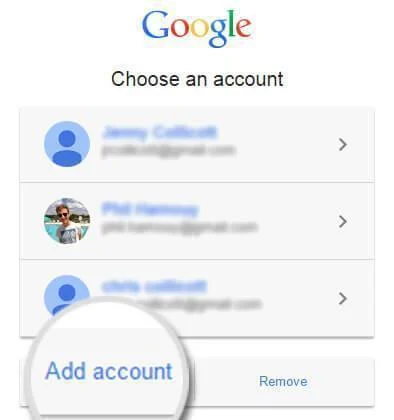
2. Add Account
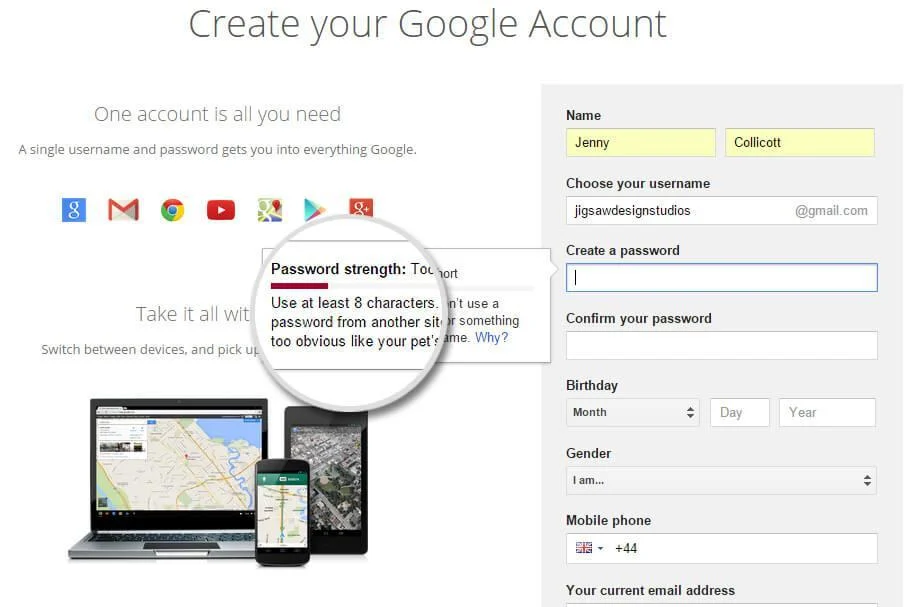
Click ‘Create an account’ at the bottom.
Fill in with your details, your password needs to be eight characters or more and the red line above will go green when you have a strong password. Click ‘Next step’ when you have competed the form.
3. Add a picture
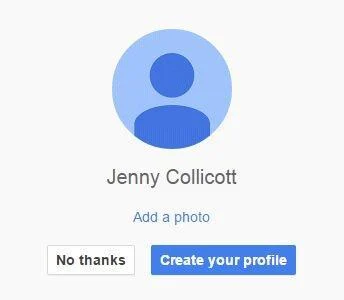
You now have the option to add a profile picture, you can continue without a picture by clicking ‘Create your profile’.
And contine to google+
4. People you know and & About you
Google will give you the option to search for friends or to add friends from another account. You can do this here, or you can continue without importing any contacts.
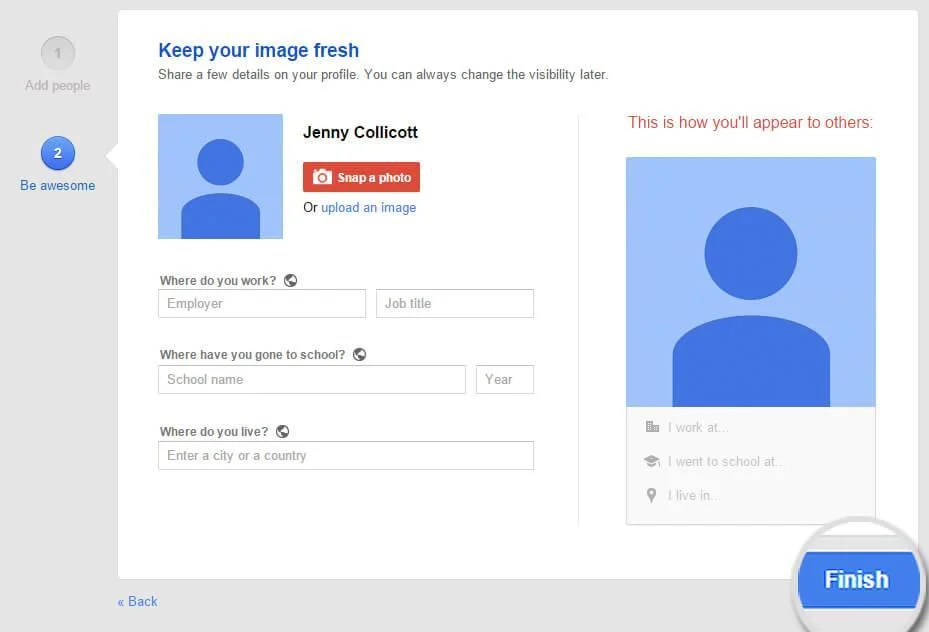
The final stage is to fill in a little bit of information and add a picture. You have the option to upload an image from your computer, or you can take a picture using your computer camera by clicking ‘Snap a photo’.
When you’re done, hit ‘Finish’ and your account is now complete. You now know How to set up a google account
Need a Web Designer?
Perhaps your branding idea is still stagnating on the back of an envelope? Or maybe your business profile isn’t packing-a punch? If so Jigsaw’s tea-fuelled web design team – with our bags of creativity, technical know-how and marketing magic – are here to put a rocket up your brand
Ready to turn useful ideas into practical growth?
Tell us what you want to improve. We can bring your website, brand, marketing and automation together into a clearer plan.